1
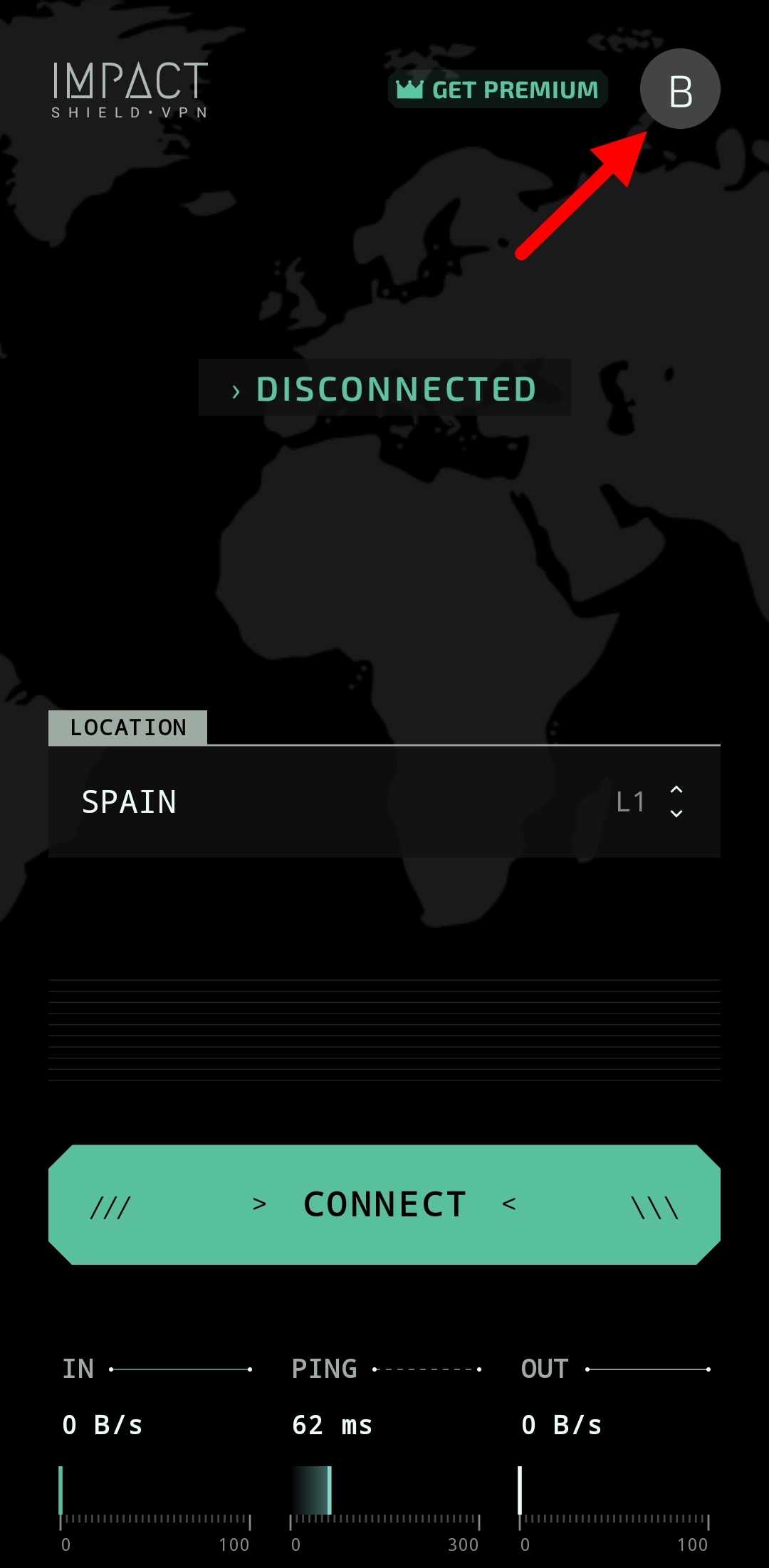
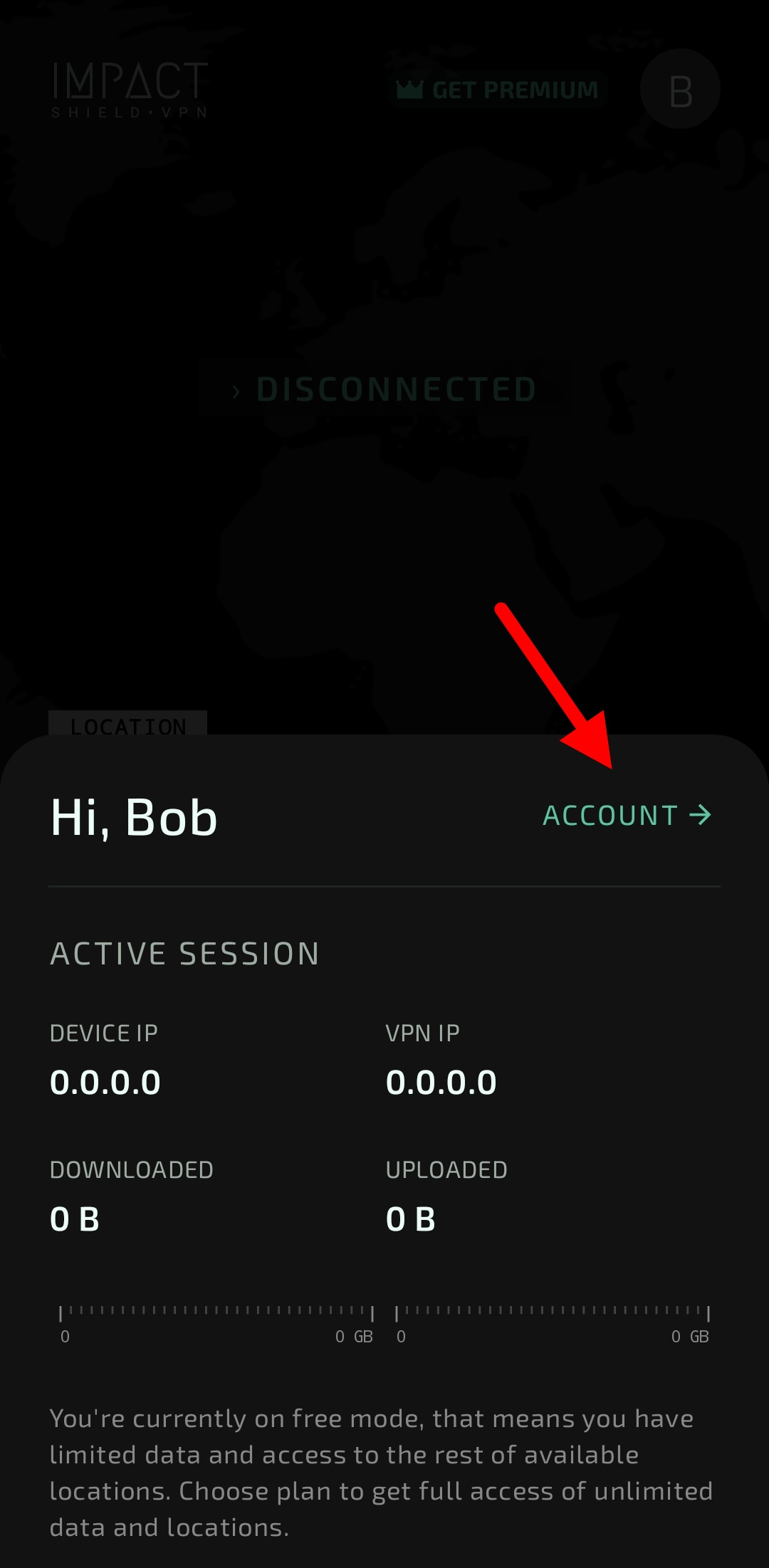
Open the Profile Menu
Launch the application and tap the profile icon in the top-right corner of the main screen.
You can permanently delete your account directly from the Impact Shield VPN application. Follow the steps below to remove your account and associated data.
Launch the application and tap the profile icon in the top-right corner of the main screen.
Scroll down to the bottom of the account screen and tap "DELETE ACCOUNT".
Confirm the deletion request when prompted.
Account deletion is permanent. After your account is deleted, you may lose access to saved settings, subscriptions, and related account information.
The application may collect and store your email address, username, and user ID in order to provide account functionality and related services.
For more detailed information about data collection, usage, retention, and third-party services, please review our Privacy Policy.
Your account and associated data will be scheduled for permanent removal from our systems.
No. Account deletion is permanent and cannot be undone.
No. Uninstalling the application does not automatically delete your account. You must use the in-app account deletion option.
Contact support at dmsvpn01@gmail.com and include the email address associated with your account.